Technology Help in Stony Plain for Computers, Phones, Wi-Fi & More
Patrick and Marlena help local households and small businesses with computers, phones, tablets, Wi-Fi, printers, accounts, backups, new devices, connected technology and the problems that don't fit neatly into a repair menu. You don't need to know what service you need — tell us what's going on and we'll help figure out the next step.
Any of these — you don't have to figure out which service you need first.
Pick what sounds closest — you don't need to be sure.
A computer that appears completely dead can have several possible causes, so we won't guess at a repair price from the symptom alone. Bring it in and we'll determine the sensible next step.
- Try a different charger or power cable if you have one on hand. Dead adapters are common and cheap to rule out.
- With a laptop: unplug everything, hold the power button down for 30 seconds, plug it back in and try again. That drains stuck power.
- If you smell burning, see damage, or the machine got wet, stop and bring it in. Don't keep trying to power it on.
Slow does not automatically mean it needs replacing. We'll determine whether the problem is worth repairing or upgrading before you spend money on a new machine.
- Fully restart the computer (Start → Power → Restart, or shut down and turn back on). Sleep does not count. A surprising number of slowdowns clear up on a real restart.
- Check your free storage space. Under about 10% free can slow the whole system down on its own.
- Note when it started slowing. After a Windows update, a new program install, or a specific website? That history helps us diagnose faster.
These symptoms can come from hardware or software problems. We can test the machine and determine whether repair makes financial sense.
- Take a photo of the error screen if you can catch one. The STOP code and any file name shown tell us exactly where to look.
- Note whether the crash happens randomly, only at startup, or during a specific task (games, video, waking from sleep).
- If it happens under heavy use, check whether the fans sound louder than normal. Overheating from dust is fixable and cheap.
We can assess what is recoverable and explain the recovery options before proceeding.
- Do not run chkdsk, "disk repair" tools, or install file-recovery software before we look. They can overwrite the files you're trying to save.
- Try not to keep using the computer for other work in the meantime. Every read/write can make recovery harder.
- If you have an external drive with enough space, bring it. We often recover onto a separate drive so nothing writes back to the failing one.
Parts and cost depend on the exact model. Send us the model number or bring the device in and we'll determine what it needs.
- For charging problems: try a different charger or cable if you can borrow one. Chargers fail more often than the port.
- For screen problems on a laptop: plug into an external monitor if you have one. If the external picture looks normal, the screen itself is the issue — and that's usually a straightforward part swap.
- For battery problems: note whether the laptop runs fine on the charger with the battery reading as failed. That tells us if it's the battery alone or something else.
That's fine. You don't need to diagnose it before contacting us. Tell us what you're seeing and we'll help determine the next step.
- What you were doing when the problem started, and roughly when it began (after an update, storm, spill, drop, or nothing you can pin down).
- A photo of any error message or unusual screen you can catch. Even a phone snapshot is enough.
- If the problem involves files, permissions, or things disappearing, avoid using the device until we've looked. Some data problems get worse with continued use.
Personal Technology Care is the way to stay in an ongoing relationship with Patrick and Marlena for your household's technology. Instead of finding a different technician every time something changes, we remain your technology people — with the notes and history that make future problems and decisions easier.
- Direct relationship with Patrick and Marlena, plus notes on your household's technology so we're not starting over each time.
- Priority scheduling, reasonable quick technology questions and an included remote support allowance.
- An annual technology and backup review, plus help across computers, phones, tablets, accounts and normal home technology.
- Hardware, major repairs, onsite visits and larger projects are quoted separately.
Buying a new device is one job. Making it usable is another — moving your files, accounts, email, browser setup and normal programs to a device you actually want to use. Bring us the old and the new, or ask us for buying advice before you shop, and we'll handle the move-in with you.
- Both devices if you already have them, plus any external drives with files you want moved.
- Passwords for the accounts you sign into daily — email, Microsoft/Apple/Google, and any programs you paid for. Some of these have to be re-entered on the new device.
- A rough list of the programs you actually use. Some transfer freely, some need to be reinstalled, a few need to be re-purchased. Knowing up front makes the move smoother.
Whether you've lost something, want protection against losing something in future, or need to move files between devices, we can help. We'll tell you what's actually recoverable before you spend money on recovery.
- If files are already lost: do not run chkdsk, "disk repair" tools, or file-recovery software before we look. They can overwrite what you're trying to save.
- Thinking about backup: identify the files you'd genuinely miss — photos, work documents, tax records. A backup that saves everything else and misses those isn't a real backup.
- Moving files: bring the source device, the target device, and an external drive if you have one.
We help with setup, accounts, transfers, backups, connectivity, software and troubleshooting — and the same kind of help extends to smart TVs, streaming devices, watches and app-connected devices around the house. Technology changes constantly, so we may not have worked with your exact device or app before, but we're happy to help you understand it and figure out the next step.
- Bring the passwords for the Apple, Google or Microsoft account tied to the device. Most of what goes wrong on phones and tablets involves the account, and fixing it requires signing back in.
- Note when the problem started and roughly what changed around then — an OS update, a password change, a new device, a lost password.
- If photos or contacts appear missing, check whether they show up on another device signed into the same account before assuming they're lost.
Home Wi-Fi, printers, smart TVs, streaming devices, smart doorbells, cameras, thermostats and other app-connected devices often need real hands on them — and often need to be worked on where they live. We can help in the shop or come to you. If we haven't worked with your specific device before, we'll figure it out with you.
- For Wi-Fi problems: note where it happens. The whole house, one room, one device? Very different fixes.
- For a stalled connection: unplug the modem and router for 30 seconds, then plug the modem back in first and wait for it to fully come up before plugging the router back in. A share of "internet not working" calls clear up here.
- For printers, note the make and model. Printers vary enormously and knowing what you have saves diagnosis time.
Workstations, Microsoft 365, backup, networking, new-employee setup, printer and equipment planning — the ongoing technology help a small business needs from people who know the setup. Small Business Technology Partner starts at $395/month; standalone project work is quoted separately.
- A rough picture of what you're using — how many computers, roughly what software, whether you're on Microsoft 365 or Google Workspace.
- If something specific is coming up soon (a new hire, a device dying, a backup that hasn't been checked in years), let us know the timeline.
- The first conversation is usually about mapping your current setup. No commitment.
That's fine — you don't need to know what you have or what's wrong. Tell us what you're seeing and we'll help determine the next step. If it turns out we're not the right shop, we'll tell you before you spend any effort on it.
- Take a photo of any error message or unusual screen if you can catch one.
- Note when the problem started and what you were doing when it did.
- If you know the make and model of the device, that helps. Even the sticker on the back is enough.
Would rather just call? Call or text 780-994-6203
Ongoing technology help for households who want Patrick and Marlena to know their setup and remain the people they call over time.
Explore Technology CareTechnology is easier when you have people who know your setup.
Most local technology problems are quicker to solve when the person helping you already knows what you have, how it's configured and what you've dealt with before. That's the whole idea behind how Computer Wall works.
You deal directly with Patrick and Marlena. Walk into a real local shop, meet us, and know who you're dealing with when something comes up.
The more we work with you, the more history and context we have when something changes — so you're not starting from zero every time.
Phones, tablets, Wi-Fi, printers, accounts, backups, new devices and connected technology are all things you can ask us about.
However you need help, you start the same way.
Call, text, use the website helper or visit the shop. You don't need to know what service you need.
It may be a quick technology question, shop work, an onsite visit, a larger project or an ongoing relationship.
Simple jobs stay simple. Larger work is scoped and quoted before proceeding.
For substantial work, we provide follow-up related to what we did. Customers who want continuing help can use Personal Technology Care.
Different problems need different levels of help.
Simple problem? We'll keep it simple. Larger work is quoted before we proceed. Ongoing Technology Care is available for households that want us involved long-term.
Patient, plain-English technology help — you don't need to know the technical name for the problem, and you're welcome to bring the device in and show us what's happening.
Personal Technology Care · Computer Repair · On-Site Service · Business Support
Small by design. Here for the long term.
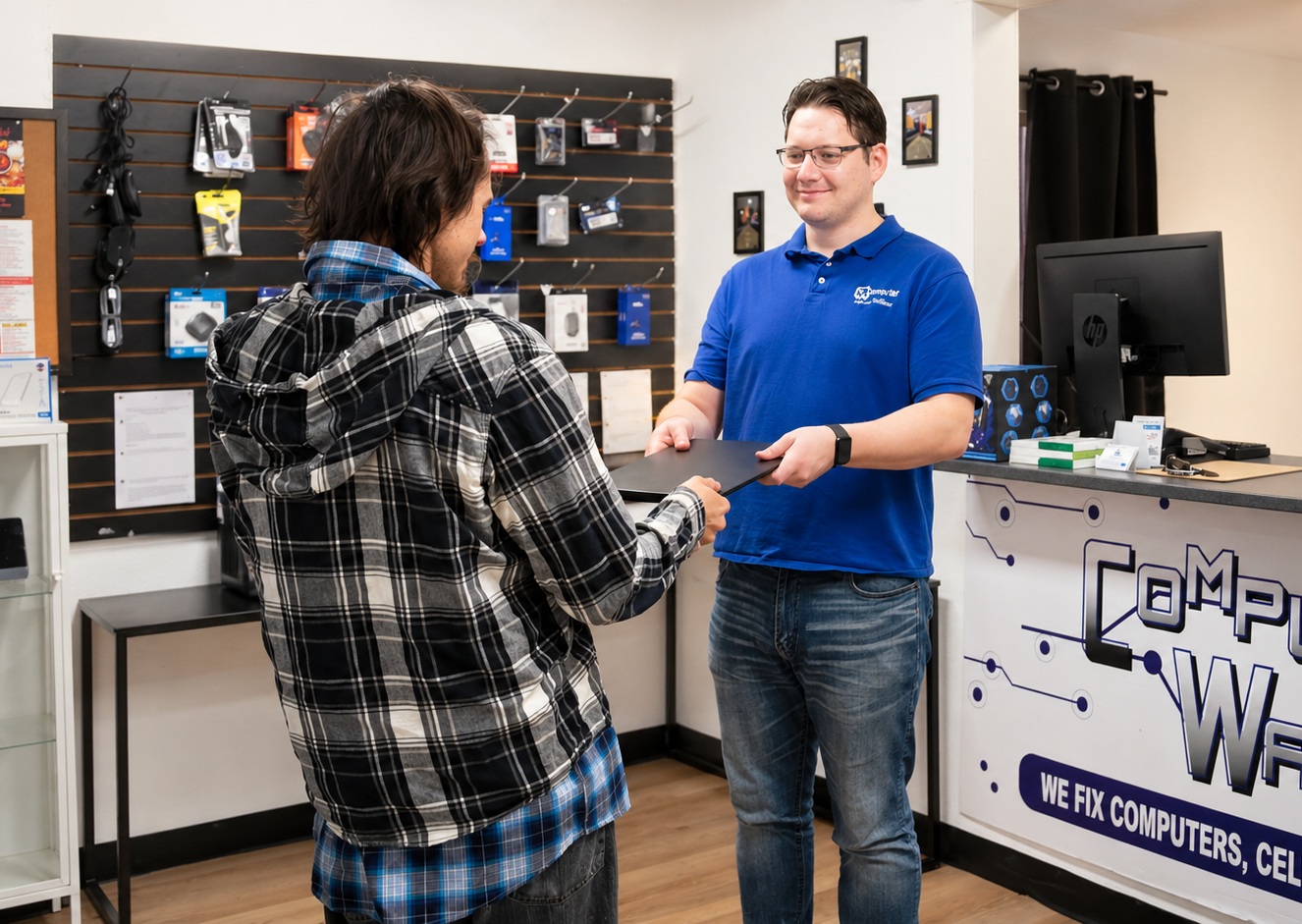
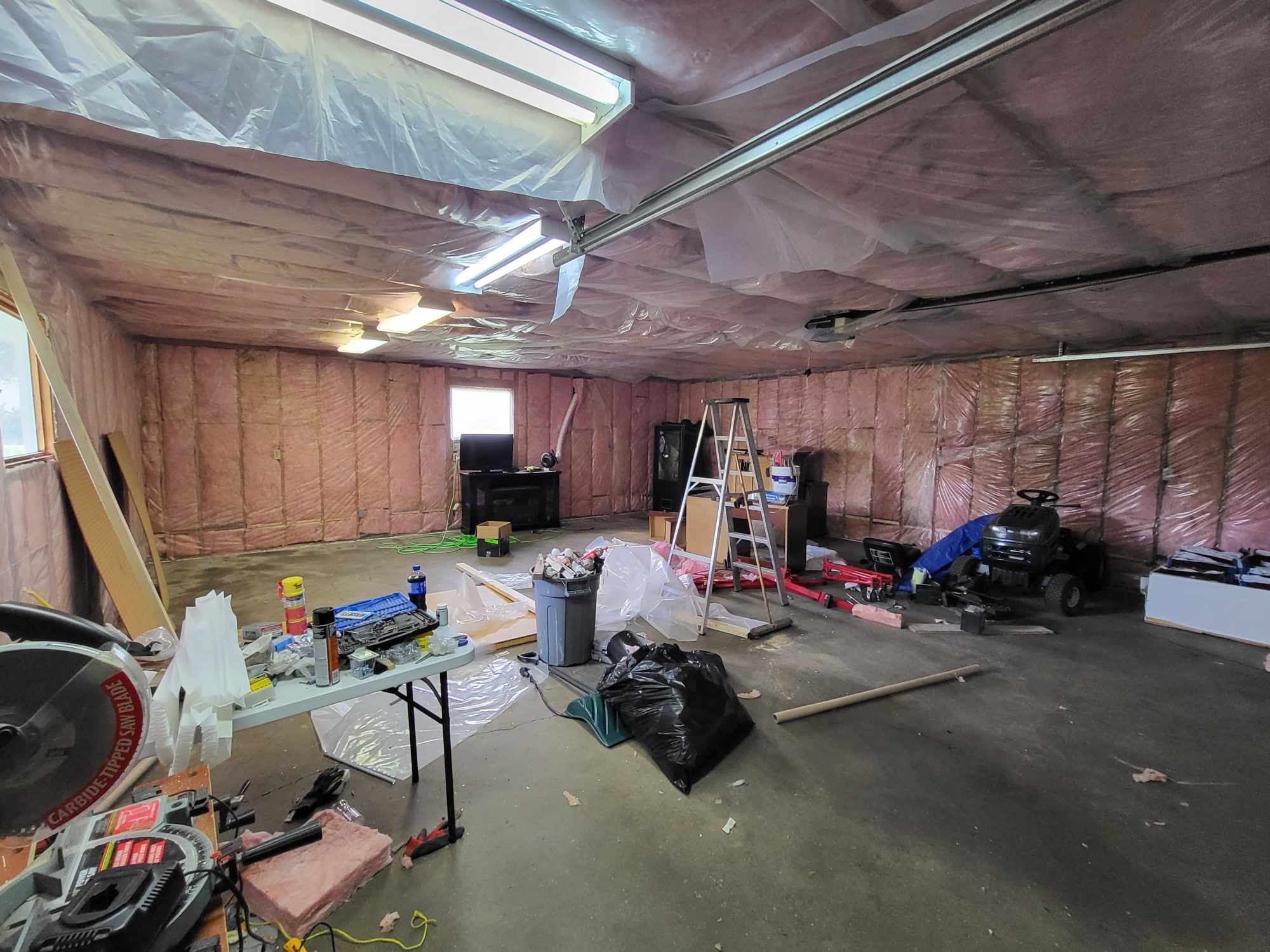
Computer Wall is Patrick and Marlena. We built the business around a permanent workshop on our own Stony Plain property and chose to remain personally involved with the people we help.
That means when you come back months or years later, you're not explaining everything again to a new technician. We can know your technology, remember its history and continue helping as things change.
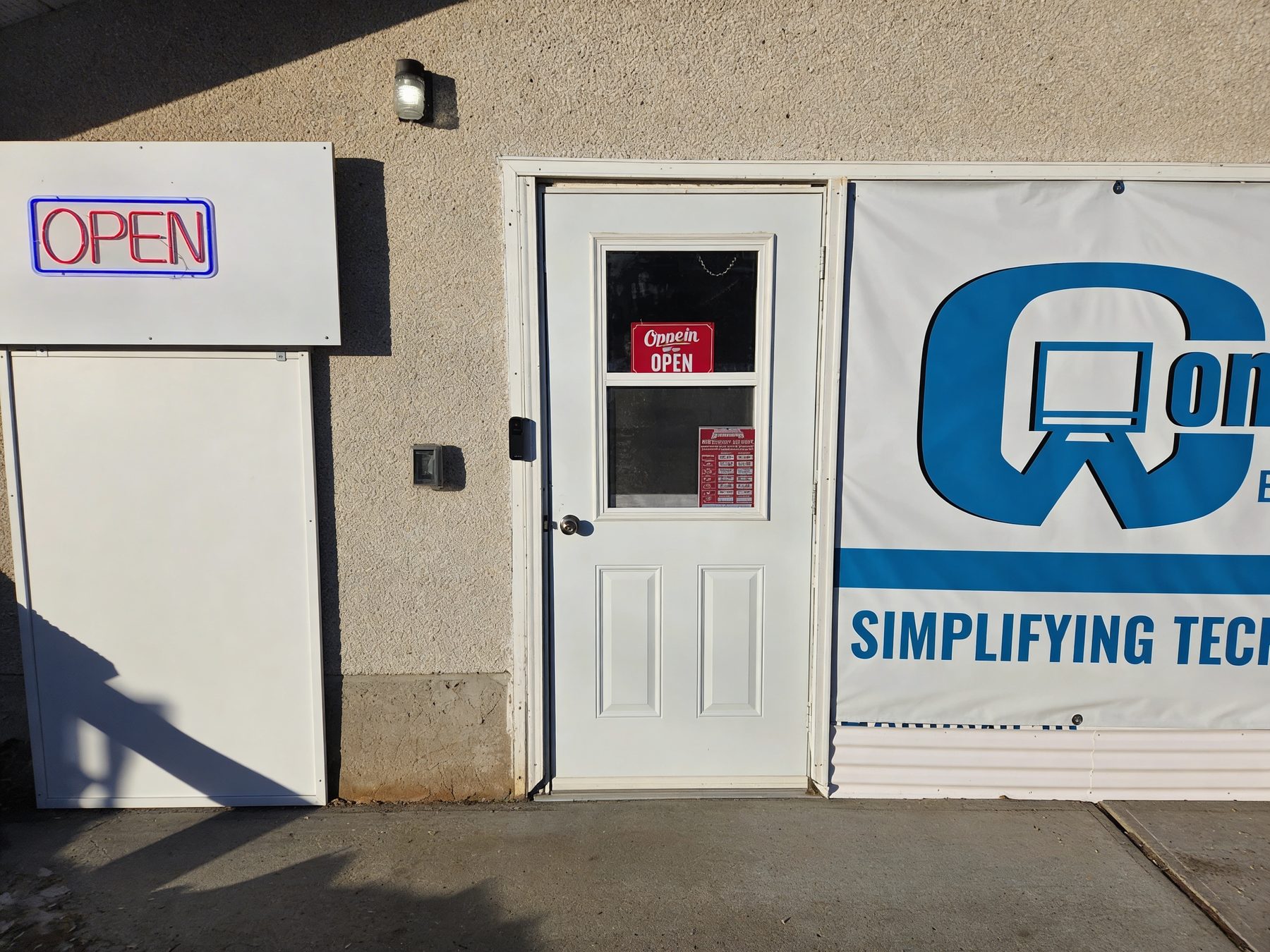
Closed Saturday and Sunday. No appointment needed for walk-in. If you're making a special trip, call or text first to confirm we're available.
No, for walk-in. Monday to Friday, 11am to 5pm. Onsite visits are by appointment. If you're making a special trip, call or text first to confirm we're available.
Call or text anytime. We respond during service hours — Monday to Friday, 11am to 5pm.
Yes. Repair is what most customers find us for, but Patrick and Marlena also help with new-device setup, phones and tablets, backup and file recovery, Wi-Fi and printers, home technology, and small business technology. Personal Technology Care is an ongoing relationship for households that want continuing help.
Phones and tablets: yes — setup, accounts, transfers, backups, connectivity, software and troubleshooting. We're not a walk-in phone-screen shop. Gaming consoles: no.
An ongoing service for households that want Patrick and Marlena to remain their technology people. It starts at $89 per month and includes a direct relationship, notes on your setup, priority scheduling, reasonable quick technology questions, an included remote support allowance and an annual technology and backup review. See how Technology Care works →
Yes. You deal directly with the owners, and we'll tell you when repairing the device doesn't make financial sense.
We discuss backup options before any work that puts data at risk, and tell you what's recoverable before paid recovery begins.
Yes. Mac and Windows, laptops and desktops. Tablets and phones too, for the kinds of help listed above.
You don't need to figure out which service you need first. Tell Patrick and Marlena what you're dealing with and we'll help determine the next step.